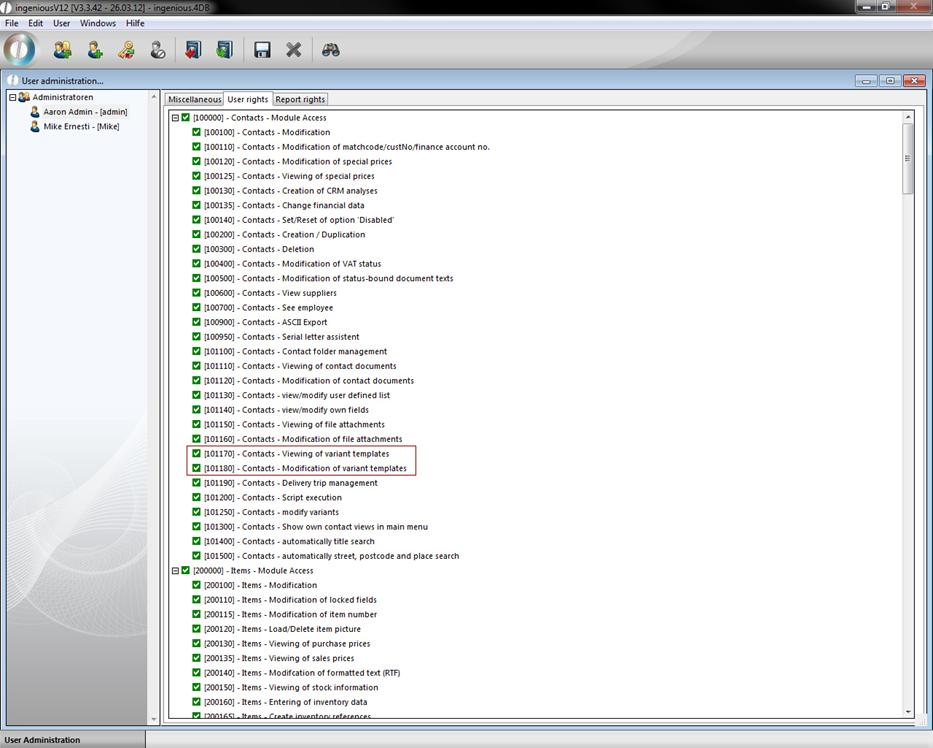
In the variant templates column, it is possible to save contact-specific measurement files of an article as a template (Master/Default) under one contact. Next the corresponding user rights must be approved by the user administration.
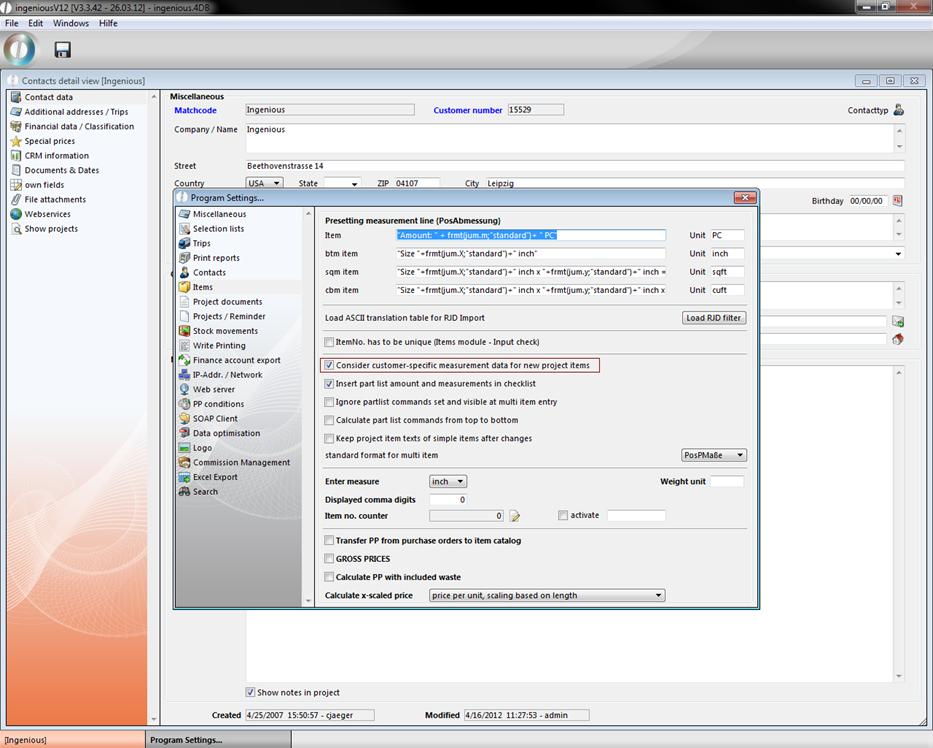
In the program settings, it can be determined in the column “Article” whether the variant templates should be included in the creation of new projects (“Include customized measurement data for new project positions”). With the creation of a new project, the presetting is then transferred automatically (also with multi-positions).
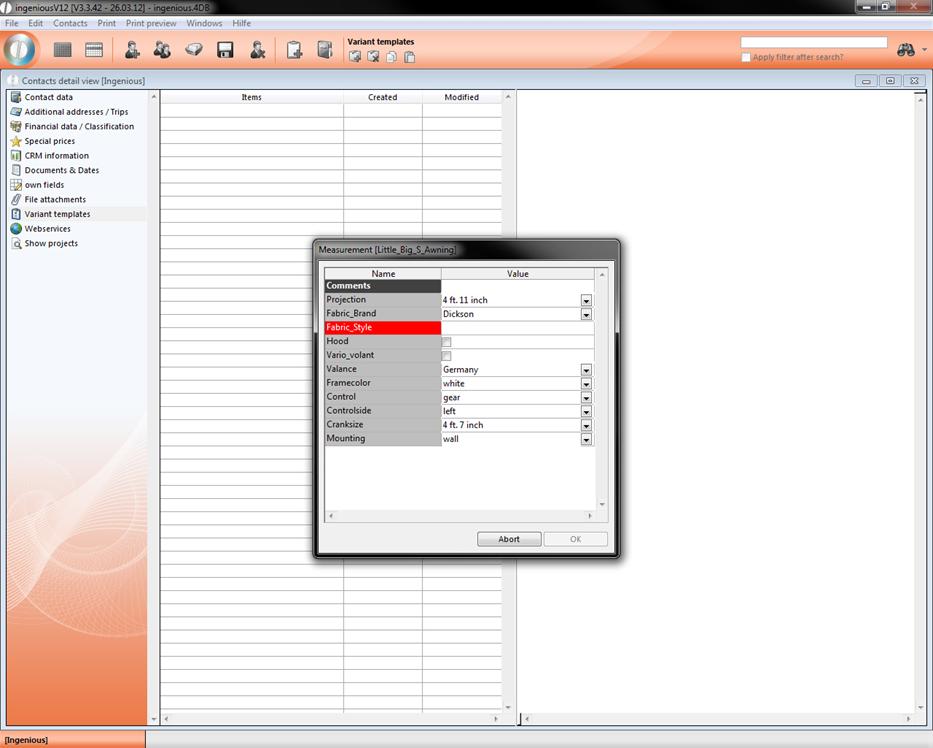
In the contact detail view, new variant templates can be applied with the  button “Select articles and accept”. The product catalogue opens, in which you select the desired product by double-clicking. The example refers to the product, “D-Awning Cap “. You now have the possibility to make various changes to the measurements as requested by the contact.
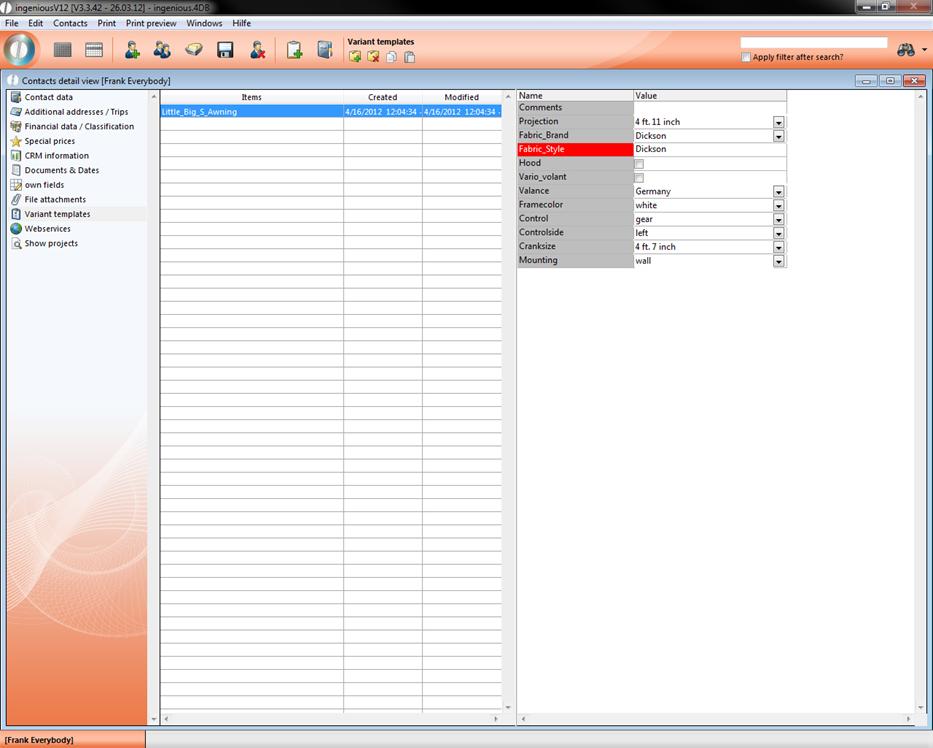
After you have accepted the changes with “OK”, the article appears in the detail view. When you click on this, you will see the respective variant template in the right window.
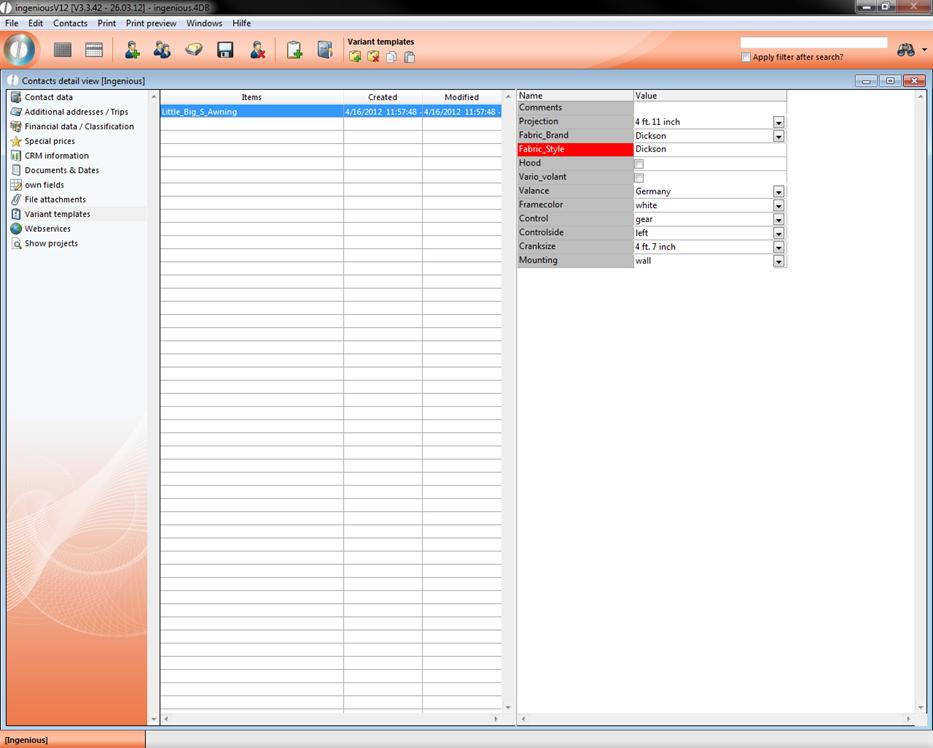
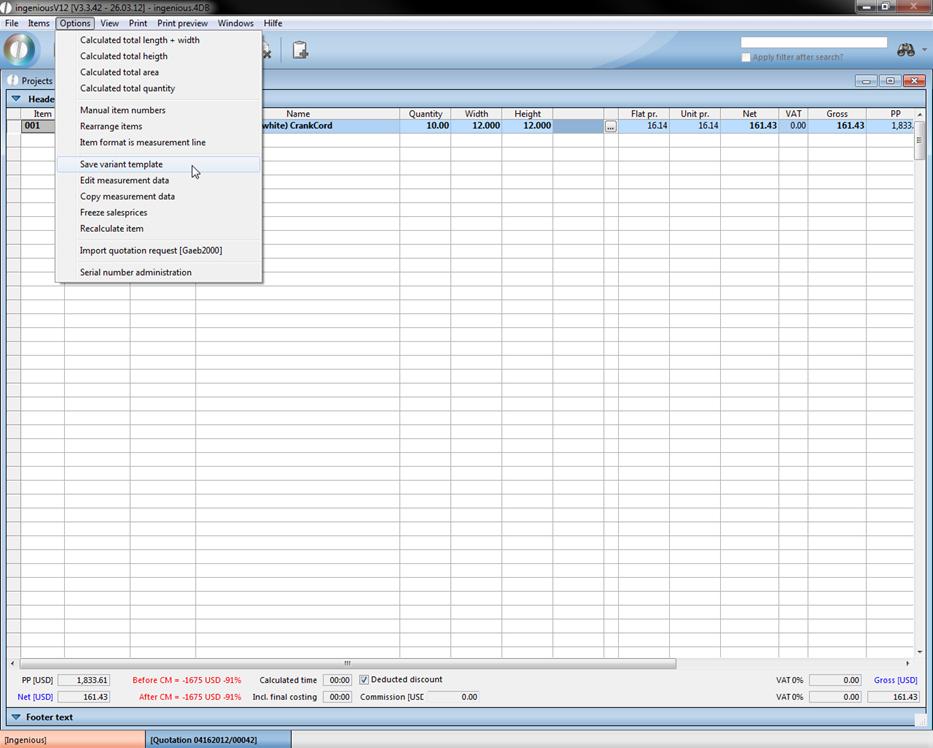
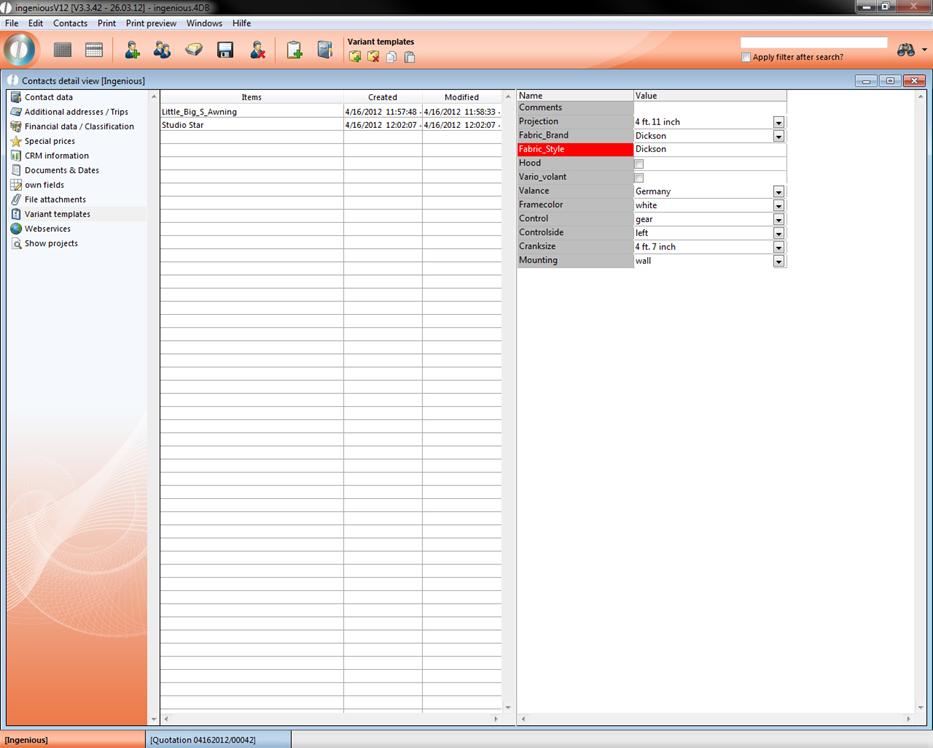
The variant templates can also be generated in the item view of the individual projects in the menu, “Options – Save variant templates”. They can then be processed in the contact detail view.
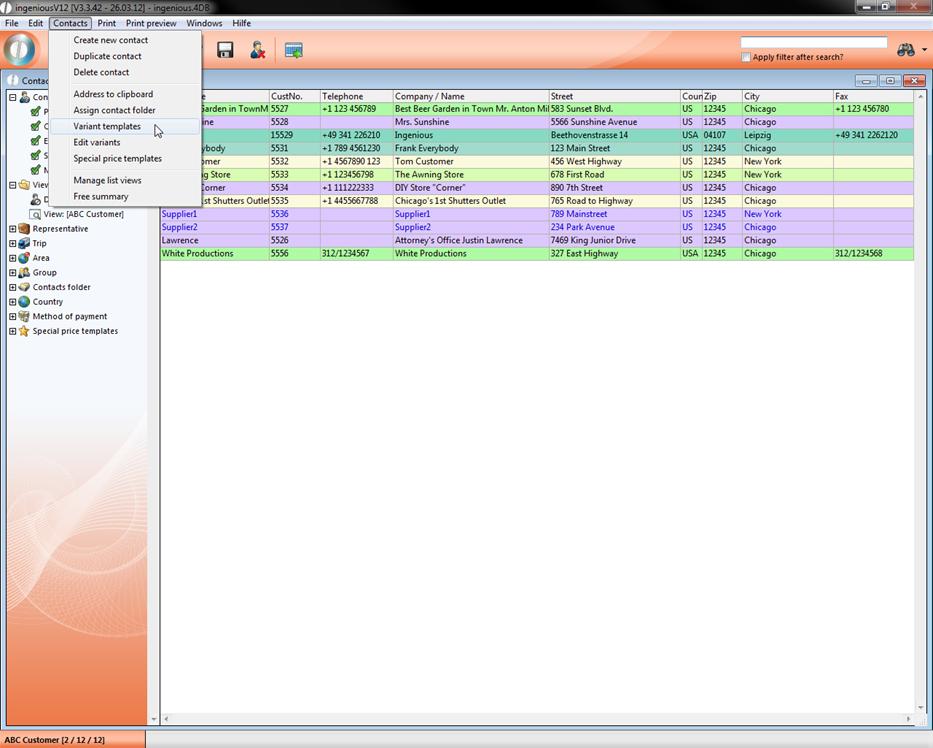
In addition, the variant templates can be transferred from one contact to another. Therefore mark the desired contacts in the contact list view and select the item “Variant templates” in the “Contacts” menu.
In the window that appears, you can now select the contact whose template should be transferred, then drag the template with the Drag & Drop function into the middle field.
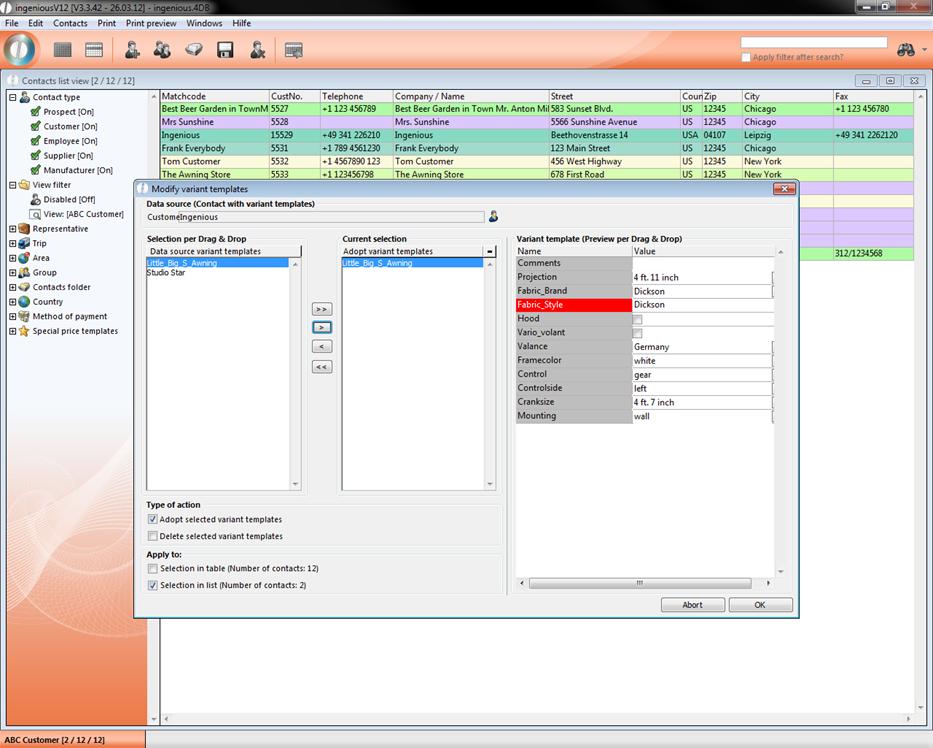
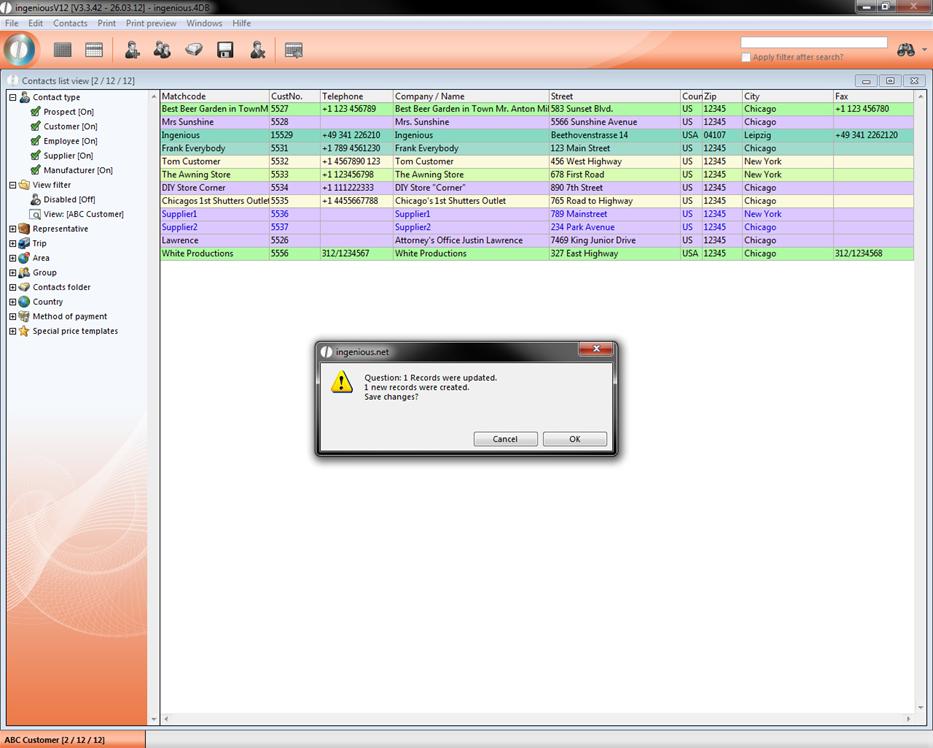
Now select the desired transfer option and click on “OK”. An information window will appear that displays how many records have been newly created. Confirm this window with “OK”.
Every selected contact also has the desired article template.